 SignTempo
12×8
Snapping design grid with alignment guides, groups, layers and keyboard nudging
Digital signage · Europe
Design on a simple grid, automate what plays, and publish to every location from one clear workspace — without turning day-to-day updates into a technical project.
3 screens free · no card · EU hosted
Hotel lobby
12×8
Snapping design grid with alignment guides, groups, layers and keyboard nudging
30 sec
From opening the player on a TV to publishing your first screen
100k
Screens per platform tenancy, with jittered polling and cached delivery
EU
Data, media and audit trail stay in European infrastructure
Start with the editor and the schedule. Everything heavier is already waiting when you need it.
12×8 snapping, alignment guides, multi-select, grouping, layers and inline text editing. Arrow keys nudge a third of a cell, shift-arrow a fine 1/18.
Describe the screen in plain language. SignTempo builds the layout, writes copy in your tone of voice and pulls colours, fonts and imagery from your brand profile.
Ask the flow builder what a rule does, ask support why a screen is offline, ask your report what changed, tidy the media library, plan a loop, ask the guide how something works — and translate a whole screen into seven languages in one click.
Date windows, hour ranges and weekdays, dayparting, dated campaigns and a fleet timeline so you can see what plays where before it goes out.
Reusable playlists, screen groups, per-location overrides and priority rules. Assign once and every location in the group follows.
Open the player, type the code, assign a screen. Bulk-provision hundreds, print QR setup cards and hand the installer a checklist.
Players cache published content in IndexedDB, buffer the next item for gapless playback, recover from stalls and report health, screenshots and incidents home.
Drag sources, time rules, triggers and targets onto one canvas, watch the week timeline fill in, and let the check panel catch gaps and clashes before you publish.
Turn a screen into a self-service kiosk for your webshop or intranet, with allowed domains, idle reset, PIN protection and a QR handoff to the shopper's phone.
All of it is in the product, governed by the same roles, audit trail and workspace boundaries.
Push an evacuation, lockdown or weather message to a group or the whole fleet. The overlay bypasses playlists on the player and clears the instant you end it.
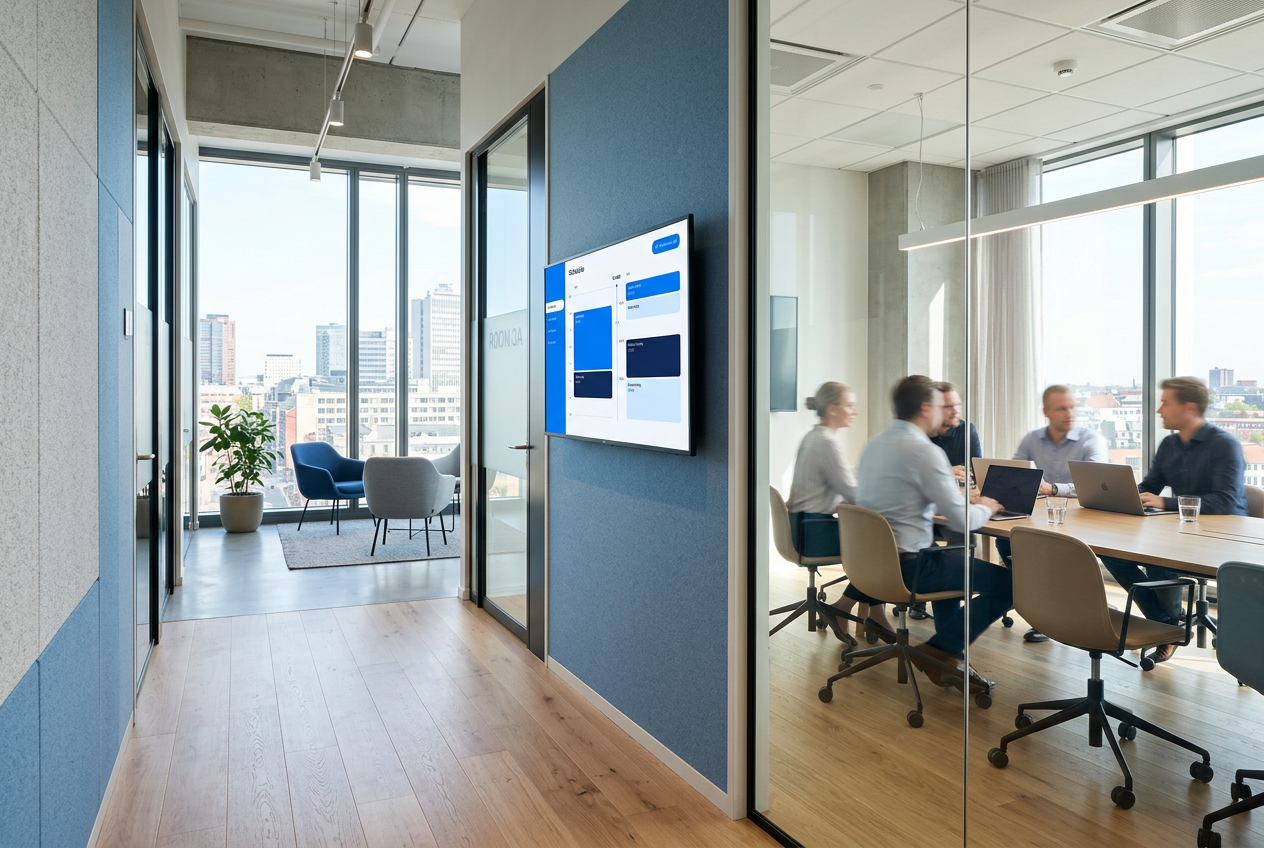
Register rooms, bind them to a Microsoft 365 resource mailbox or run them walk-up only, and hand each door panel an unguessable link.
Model impressions from venue traffic or ingest real counts from sensors, then match them against what actually played.
No proprietary box, no professional services engagement.
Start from a template or ask the assistant. Drag blocks onto the grid, upload photos and video, and type your text where it will appear.
Add pages, set durations, then schedule by date, hour or weekday. Campaigns, boosts and takeover rules cover the urgent stuff.
Open the player on the screen, enter the pairing code, publish. The player caches everything and keeps running when the network does not.
Set the source once; the screens stay current without anyone logging in.
Pull RSS, JSON feeds and single URLs on a schedule, with de-duplication and automatic expiry so old items disappear on their own.
Teams messages, SharePoint news, OneDrive files and Outlook calendars, cached server-side so players never talk to Microsoft directly.
YouTube, Google Drive, Canva, Power BI, Grafana, weather and more — each connector validated server-side with its own health status.
Send a text to your long number with a workspace code and screen ID to swap a message from the shop floor. No app, no login.
Every QR generates a tracked short link, so scans and taps land in the same dashboards as impressions and playback.
A starter library across retail, hospitality, healthcare, offices and industry, plus app bundles for weather, news, KPIs and social walls.
One player build per platform, the same content pipeline behind all of them.
Three screens are free forever. Moving from another signage platform? We will help you move the fleet.